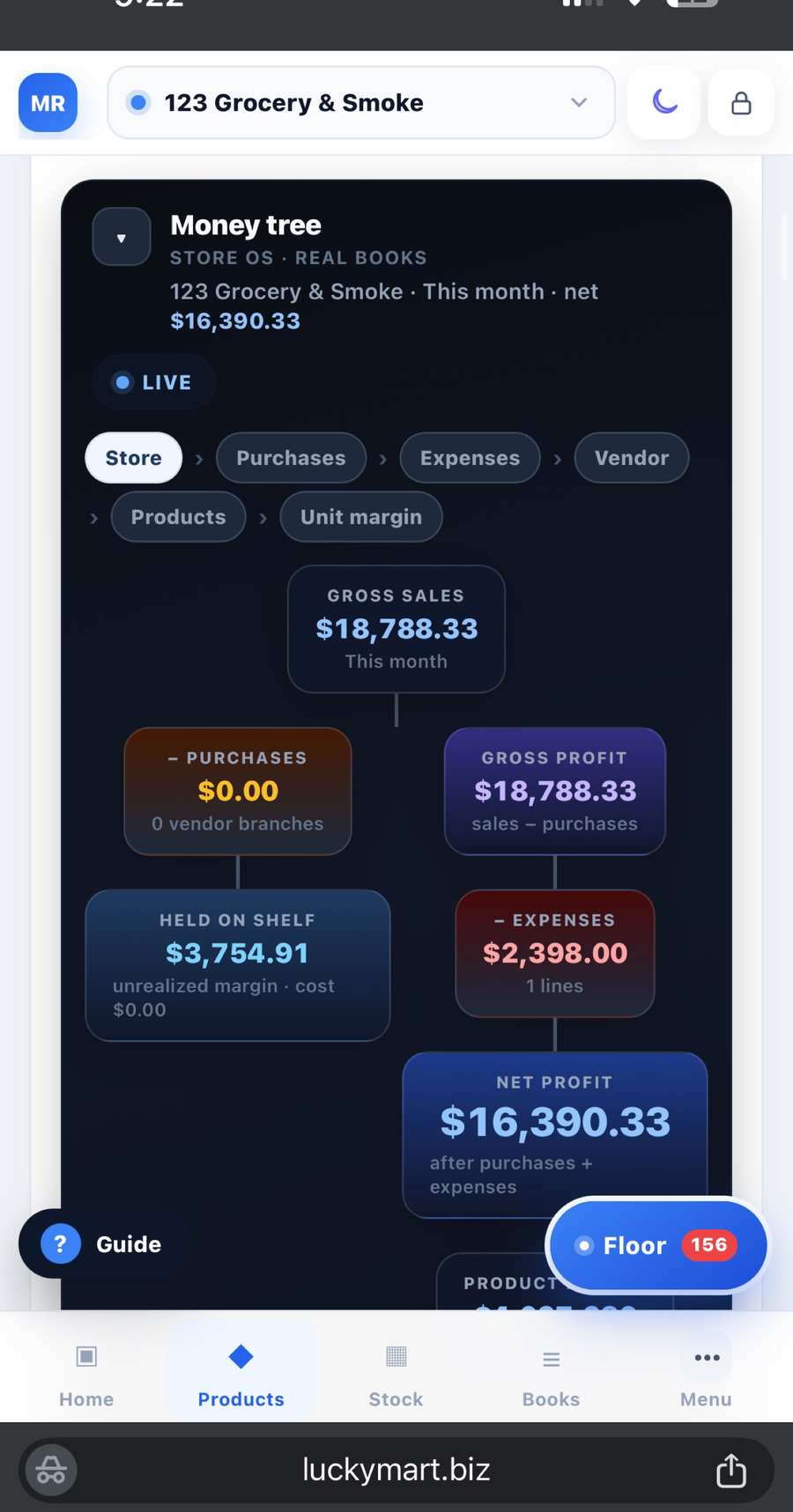
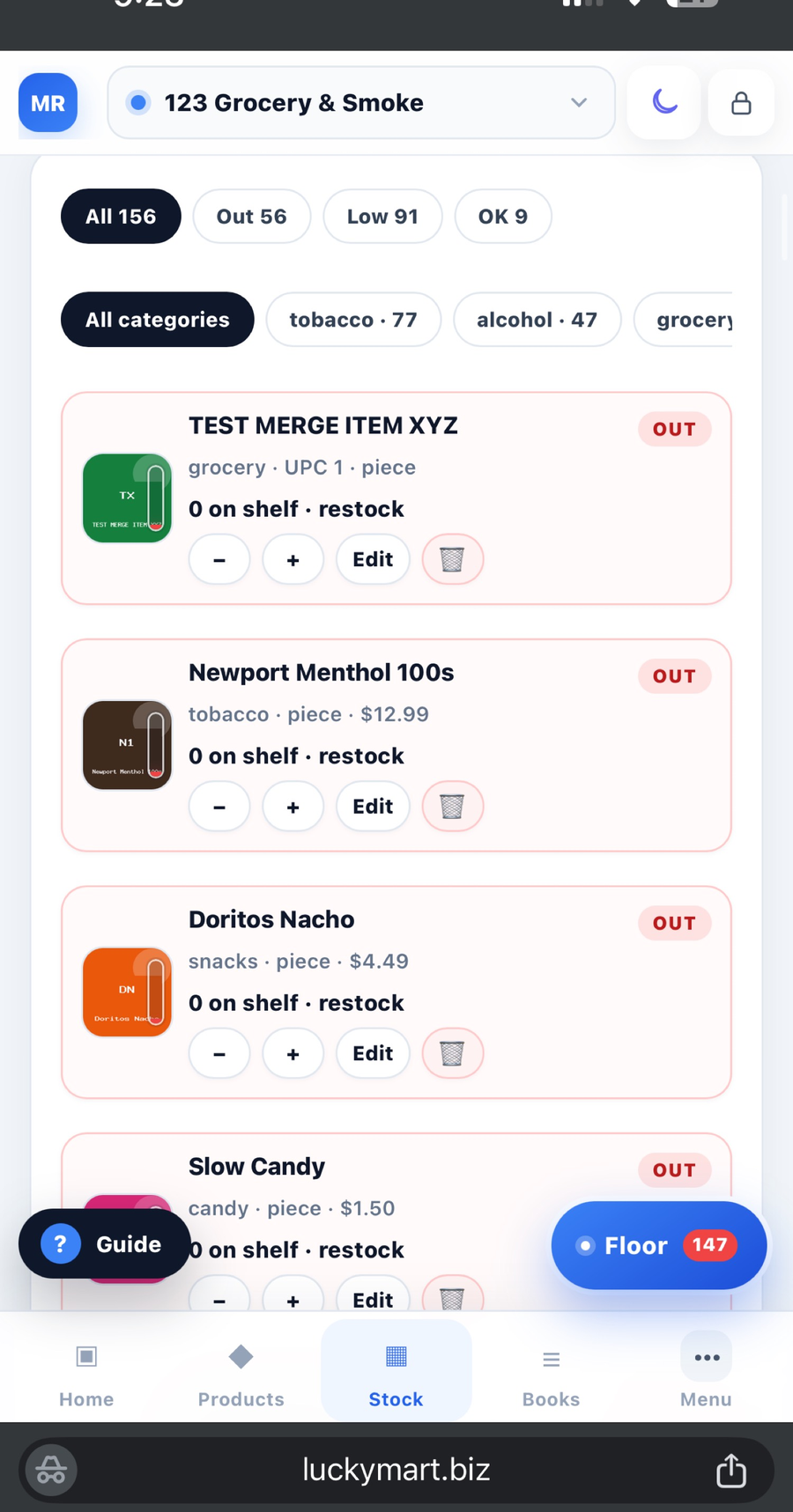
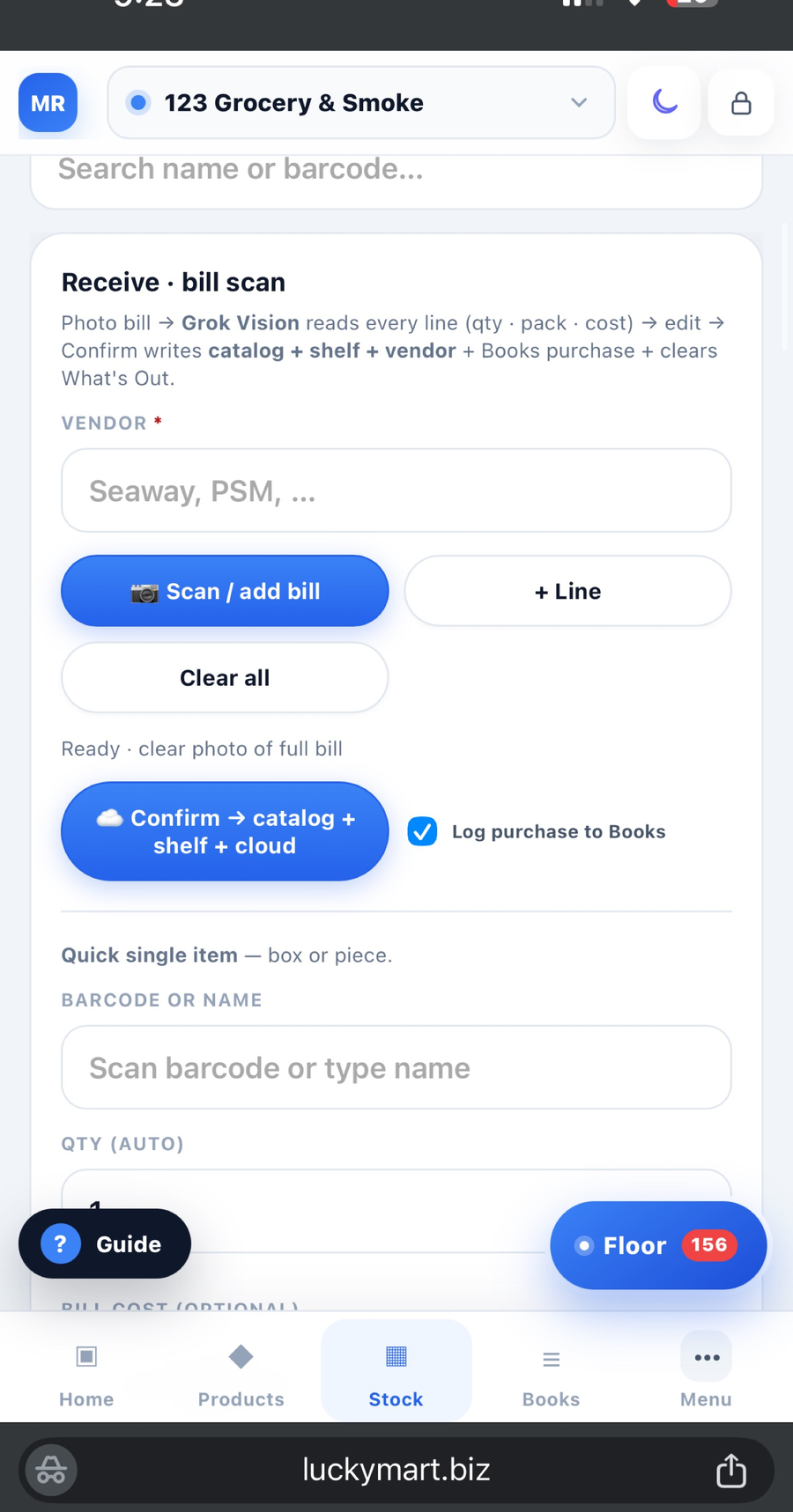
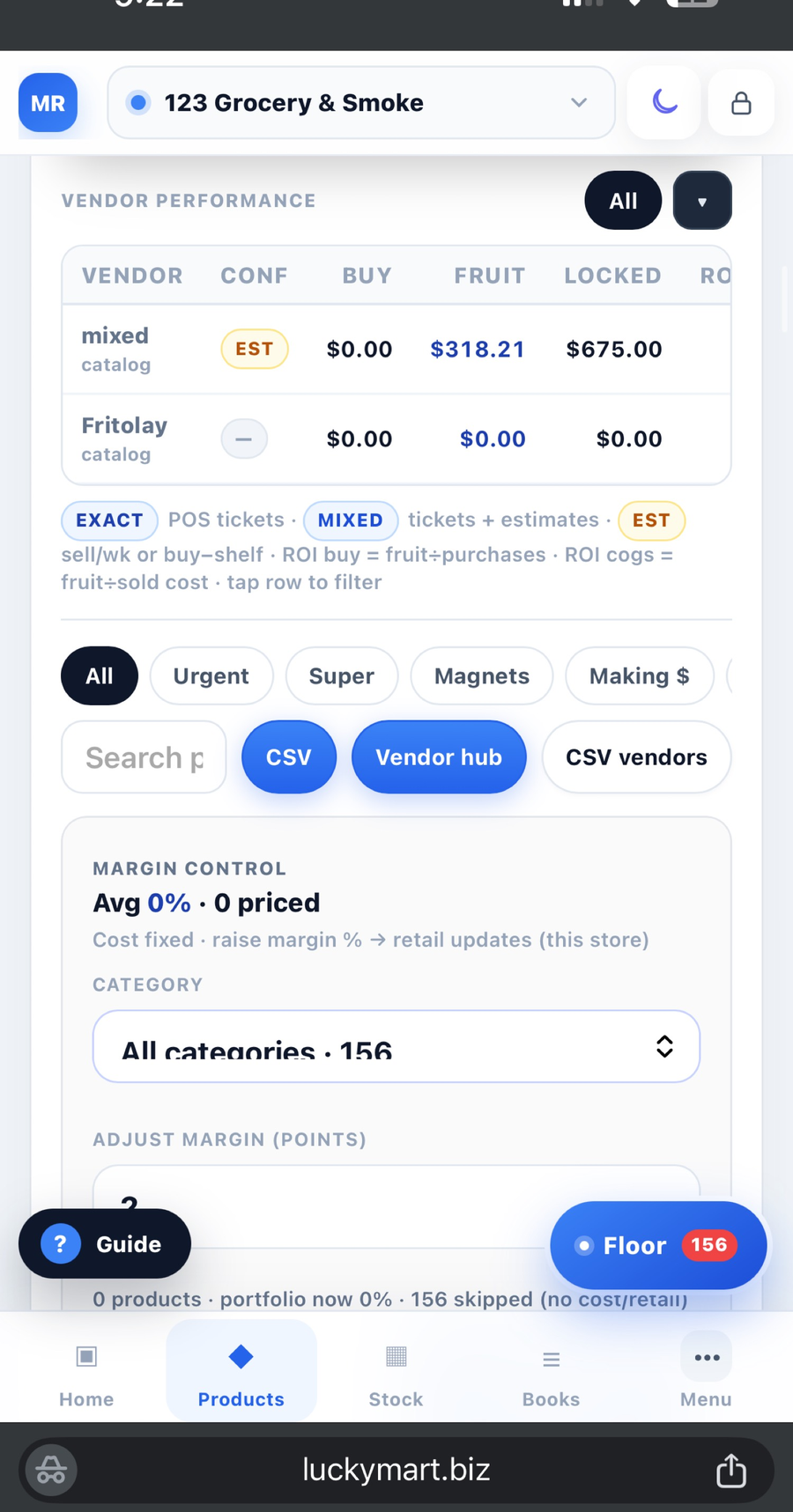
Your whole operation, visible in one place.
Sales, margin, shelf risk, trends, and store status.
On Pro: a customer website, full menu, and quick pickup for that store.
See Website and Kitchen MR.STORE
BACK OFFICE POCKET SOFTWARE FOR C-STORE OWNERS
MR.STORE is back office pocket software for c-store owners — bookkeeping, inventory, Floor, employees, and Night Close in one phone-first system. The customer website and kitchen desk are Pro.
One store. No card required.
Designed around the close, shelf, drawer, team, and real work behind the register.
Create one store and begin with the workflows the operation needs now.
Protect the owner login. Message the team when the close does not add up.
YOUR PHONE · NO APP STORE
Three taps. The blue MR.STORE icon sits next to Messages.
 01 · Open
 02 · Share
 03 · Home Screen
iPhone: Share → Add to Home Screen. Android: Install when Chrome asks.
Four jobs. One phone.
Close correctly
Know what sold, where the cash went, and whether the drawer is right.
Keep shelves ready
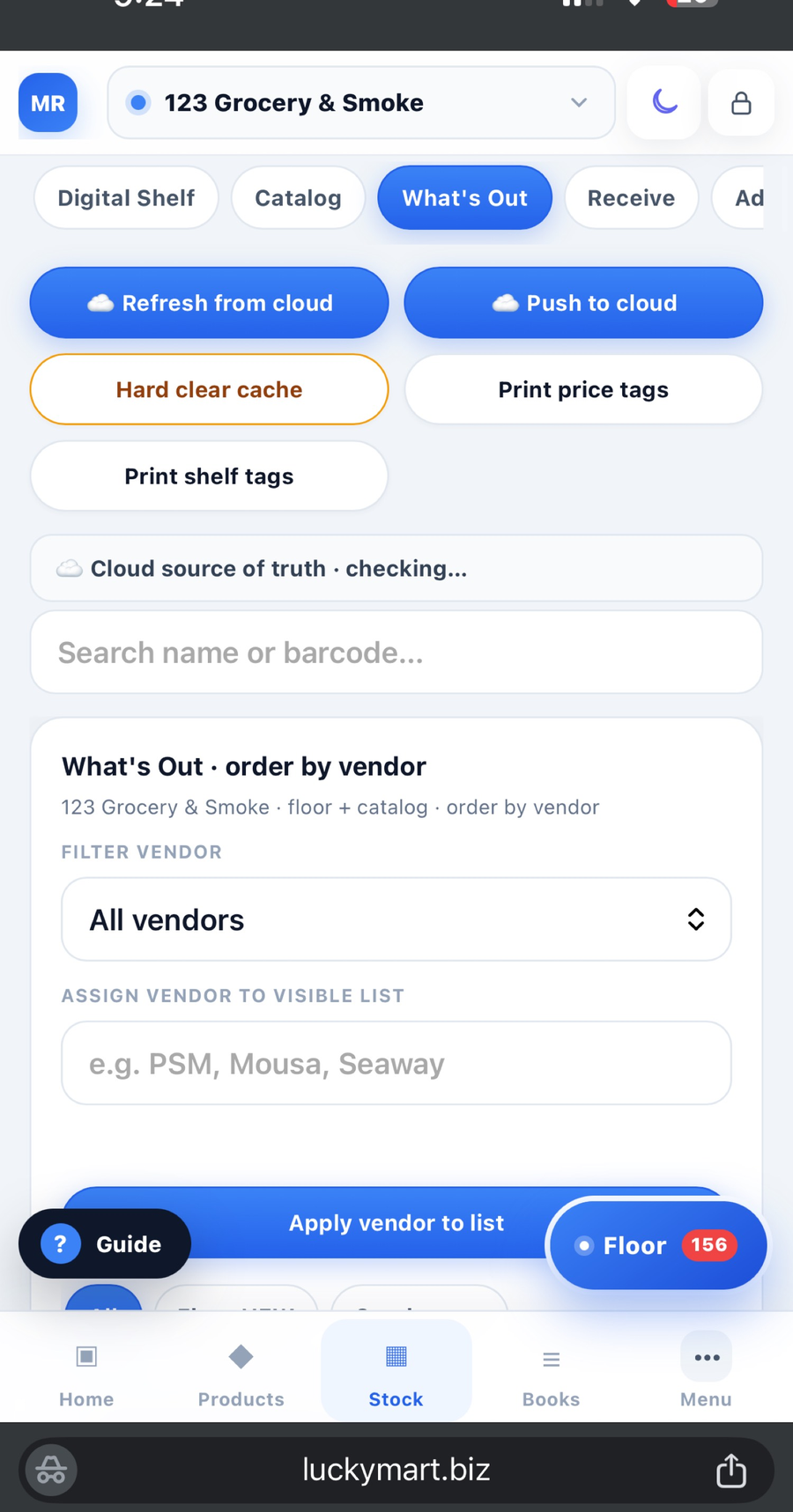
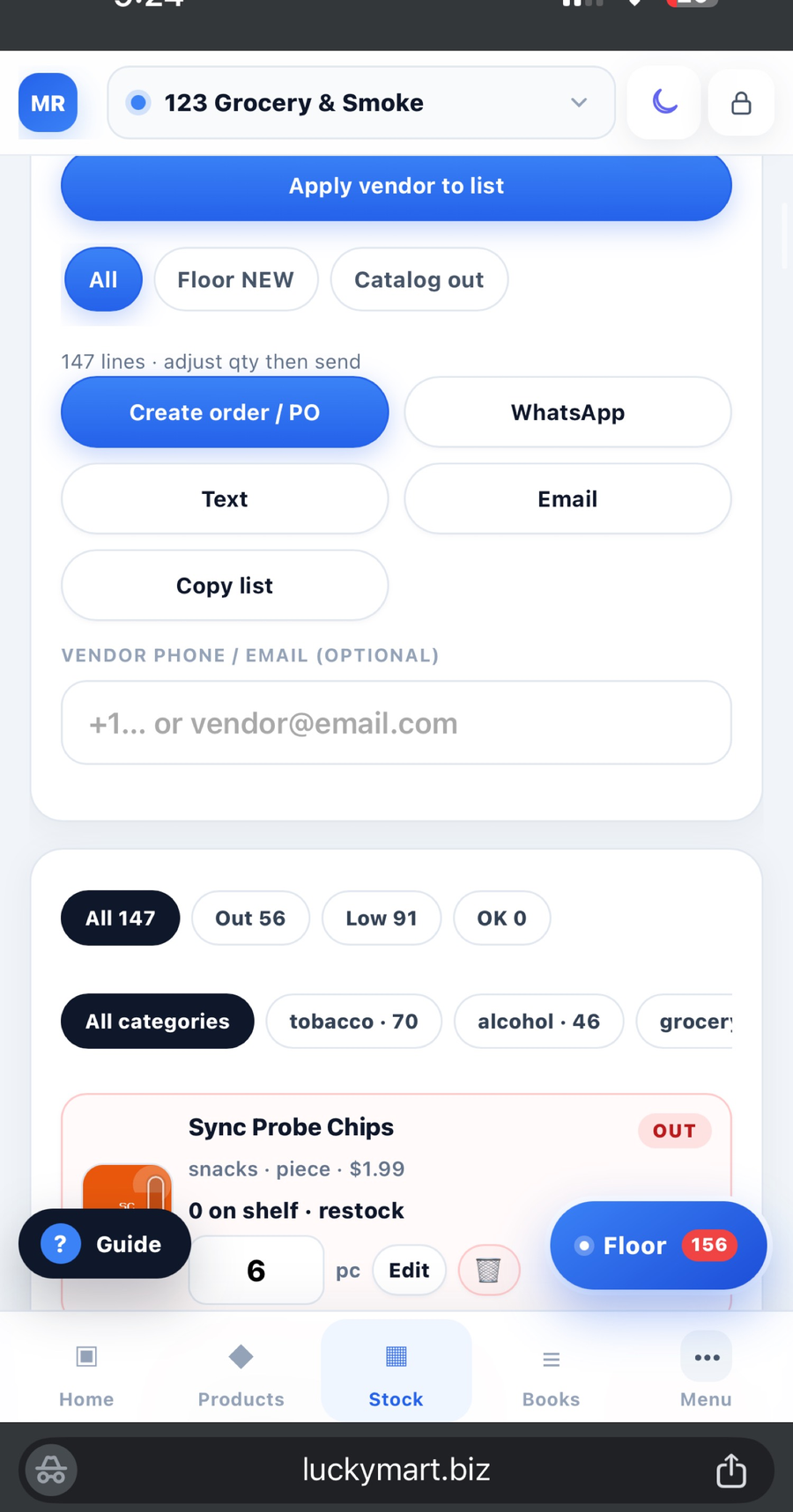
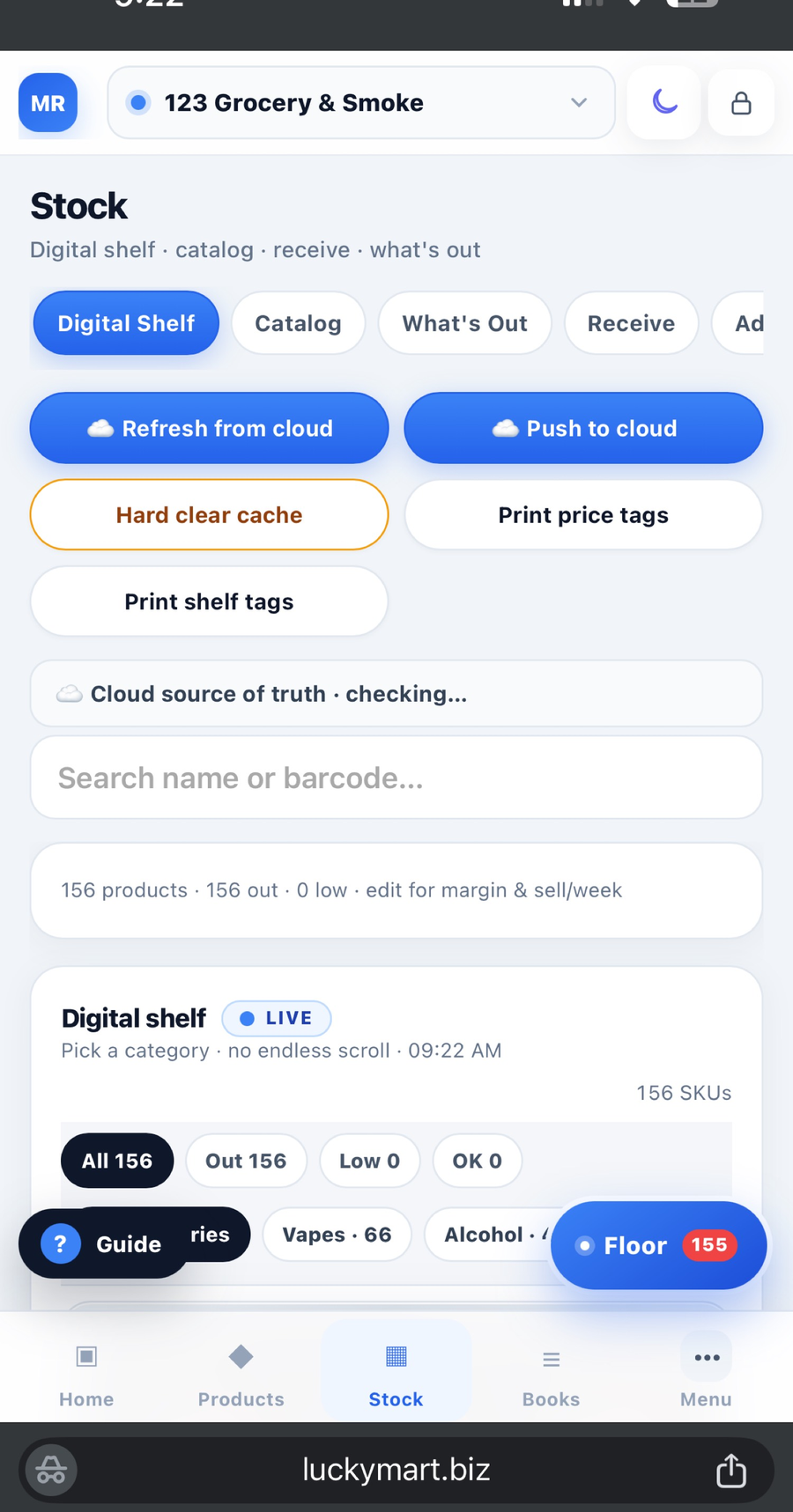
Catch stockouts, protect margin, and order what customers actually buy.
Keep every shift aligned
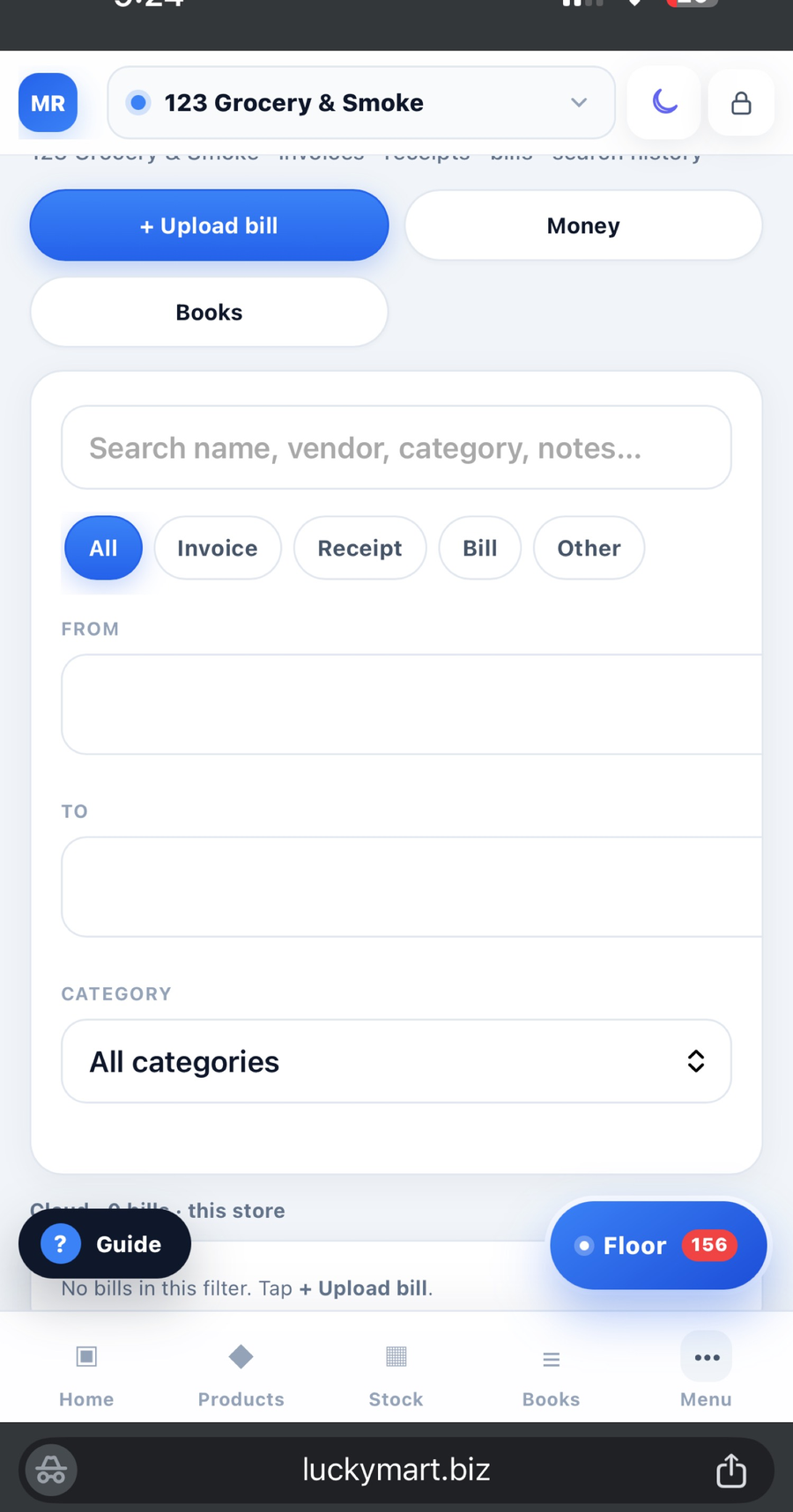
Photograph the Z, the bill, or What’s Out. Floor reads it. You confirm. Staff never see profit.
Sell beyond the register
Publish the menu, take pickup orders, keep the kitchen moving.
Books, cash, and Night Close
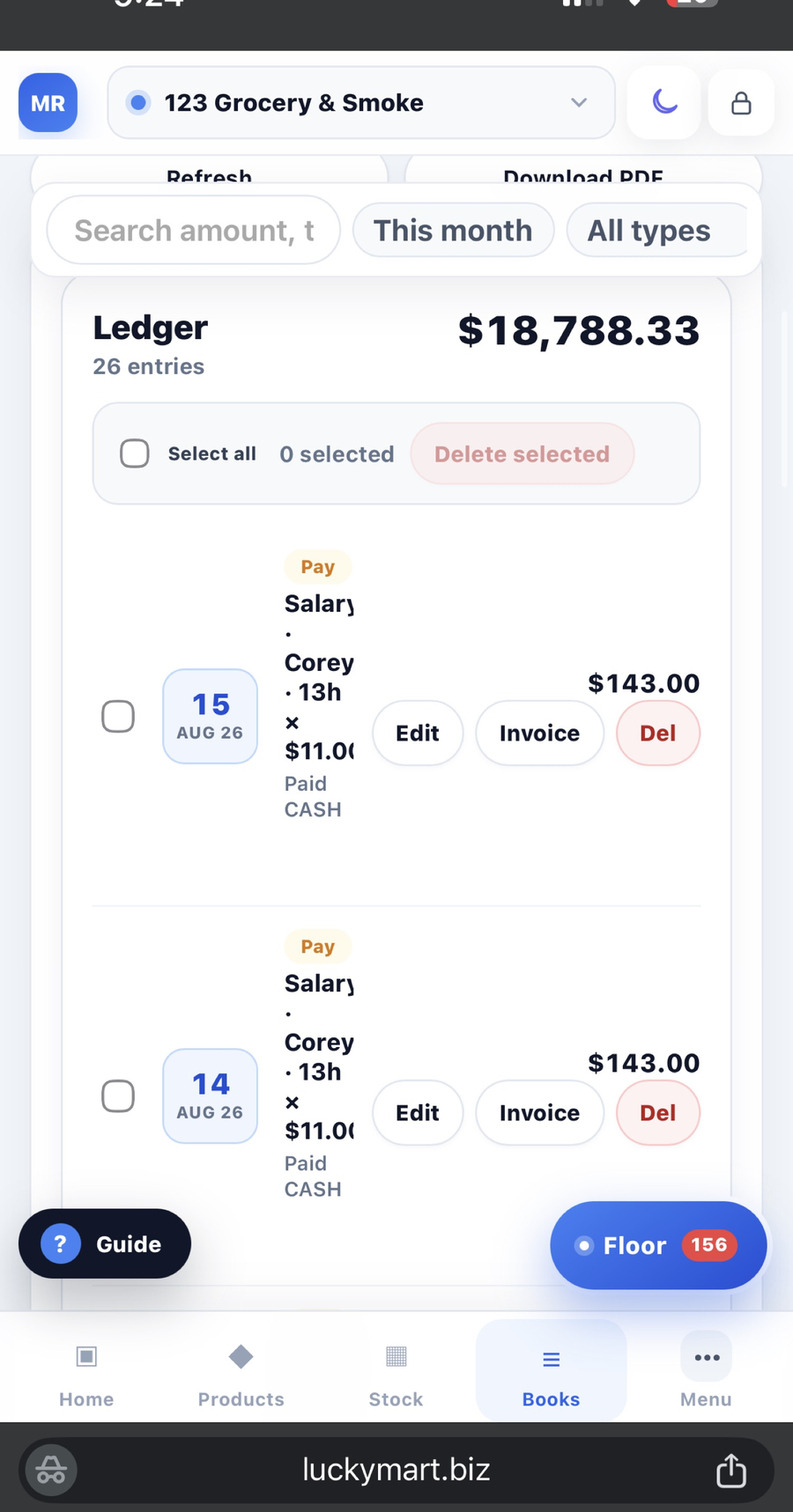
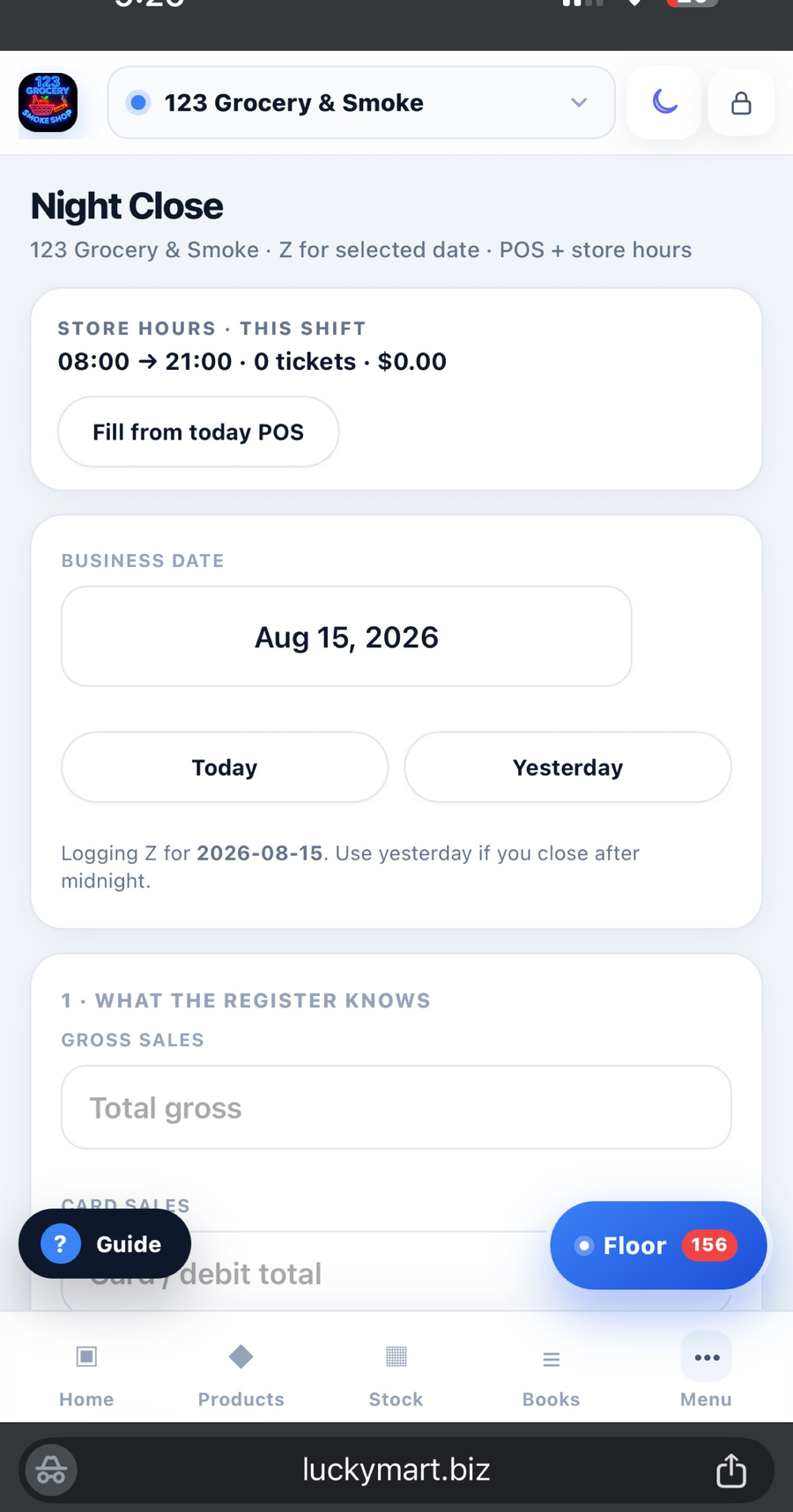
Log the register, purchases, expenses, tax, cash, card, deposits, and payroll once. MR.STORE keeps the ledger, drawer, Night Close, and accountant report connected.
Explore Books and CashOn Pro — store website and kitchen
On Pro: publish a mobile-friendly store site, show the full menu, accept pay-at-counter pickup, run a live kitchen desk, and update the TV board from the same account. Not a second website builder.
Inventory and Product OS · Pro
Connect the shelf, catalog, cost, retail price, vendor, receiving, and product performance so inventory decisions come from the same source of truth.
Explore Inventory and Product OSFloor · the operations desk · Pro
Night Z, vendor bills, What’s Out, store Gmail, and vendor-rep day live on Floor. Confirm a few times — Floor learns this store. Intelligence stays with the owner. Extra store $9.99 after Pro’s two.
See how Floor worksExplore every MR.STORE workspace
Tags, catalog, lottery, hubs, ledger detail, and reports live here. Open any screen. You do not need all of them to start.
Full product listBuilt from store work, not software theory
MR.STORE was shaped around real sales totals, vendor bills, cash drops, shelf gaps, employee handoffs, lottery activity, kitchen orders, and month-end questions. It is designed for owners who need the store to make sense from a phone.
Read the MR.STORE StoryControl without sharing the owner login
Employee-specific access, owner 2FA, store-level controls, and closing notifications keep people productive without giving every user every permission.
Authenticator 2FA helps protect the controls and data that belong to the owner.
Staff use their own access so owners do not have to share one master login.
Location-aware controls keep the right people and modules connected to the right store.
Start with the store you have
Free
One store. Books you can close the night on. Reports you can send.
Pro
Pay now. Two stores. Floor, stock, kitchen, website. Rio is 24-hour help in the app. A person replies in 1–2 business days.
First value, not a long implementation
MR.STORE can grow across the operation, but the first win should be simple: create the store and complete the first close.
Create My StoreName the location and open the owner workspace.
Bring the register, card, tax, cash outs, and drawer together.
Build the shelf and give the team their own login — after you go Pro.
Menu, hours, pickup, kitchen desk — one store, your link.
The night you already know
Daily sheets. Night rewrite. Bills in a pile. Bank hunt. Wholesale with no list. Two stores and still no next step. One phone. One system.
See the paper store story →Their app. Your invoice.
They are not in your books. They tap their catalog — honest slip or commission. Staff are on phones anyway. Put them on What's Out. You send the list. They fill it.
See the order story →From the floor
Night close, What's Out, lottery, two stores — how the floor actually runs.
All postsFounder stores
Lucky Mart and 123 Grocery & Smoke are the founder stores. Independent owner #1 is next — these are not customer reviews.
“Night Close is cash, card, and lottery on one screen — not three notebooks.”
Night Close Lucky Mart · founder store“What's Out is the list we order from. The vendor gets the right items.”
What's Out Lucky Mart · founder store“Scan the invoice, the shelf updates. Cost, qty, vendor — no retyping bills at 1 a.m.”
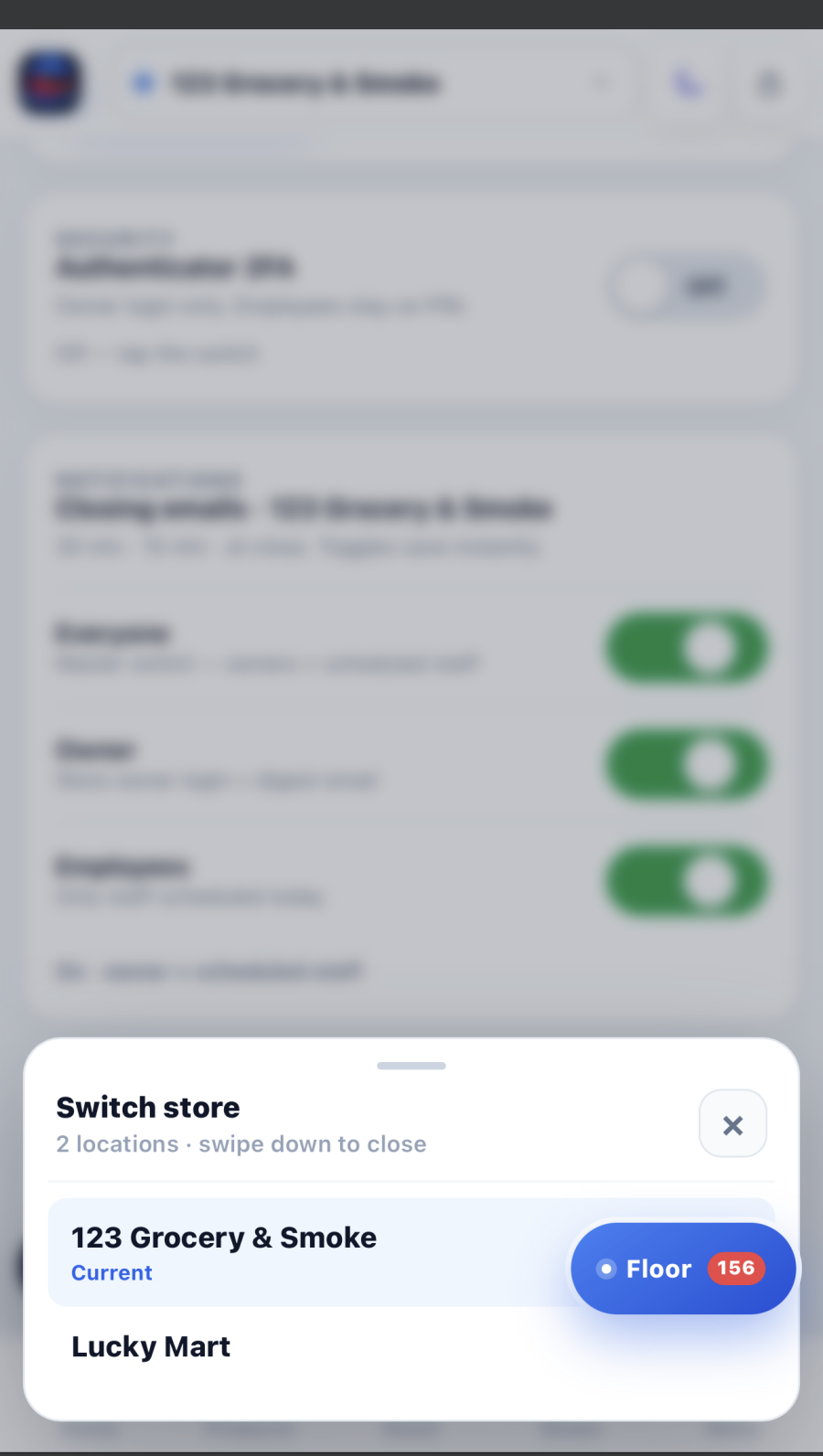
Invoice scan 123 Grocery · founder store“Two stores, one login. Books do not mix.”
Two stores Founder storesQuestions before you start
Free is live. Pro is $59.99 a month.
Read the Full FAQFree is one store: books and ledger, Night Close / Log Z, cash tracking, and reports. No card. Floor, stock, kitchen, the store website, lottery, employees, and a second location are Pro.
Yes. Keep the register you have. Photograph the Z on Floor, or log it in Night Close. MR.STORE is the books, floor, stock, kitchen, and website — not a register you have to rip out.
The customer website, menu, pickup, and kitchen desk are Pro. They publish that store only. Pickup is pay-at-counter unless you add card checkout later.
Pickup orders collect the ticket at the counter today. Online card checkout is not the default. Say so in the kitchen if you take deposits another way.
No. Staff use Floor for photos, What’s Out, and tasks. They never open Intelligence or owner profit. Books stay with the owner.
Lottery hub is Pro. Settlements and payouts stay off the Night Close Z so cash still matches.
Pro includes two stores on one owner login. Extra locations are $9.99 per month. Each store keeps its own books, catalog, and floor.
Account and store boundaries, employee-specific access, HTTPS, and owner 2FA. See the Security page. Security mail: security@luckymart.biz. We typically reply within 1–2 business days.
One store or a growing network
Run the store without running between five different systems.
Built for your counter
C-store
The phone OS Lucky Mart runs.
Convenience
One system instead of five apps.
Smoke
What's Out before the vendor walks in.
Lottery
Payouts stay out of the night close.
Beer & wine
Scan the bill. Shelf updates.
Two+ stores
Switch location. Data stays split.
I’m Maya. I help independent store owners get MR.STORE running. Start Free or try Pro, and I’ll stay with you through your first Night Close.
Google takes you into MR.STORE now. Or Maya emails a one-tap link — then she asks Free or Pro.