What's Out
Stop letting the vendor write your order
The sales rep taps their app, not your books. Extra cases can be sloppy — or commission. What’s Out is your list. They fill it.
Step 01
They are not in your books
The rep walks your aisle with the vendor phone. Their catalog. Their minimum. Their promo of the week. Your ledger does not see the order until the bill lands — and the cases are already on the floor.
Step 02
Mistake or commission
An extra case is easy to call an accident. Commission loves accidents. If the only list lived in their app, you already lost the argument. You need left / need, by vendor, time-stamped.
Step 03
Staff are on phones anyway
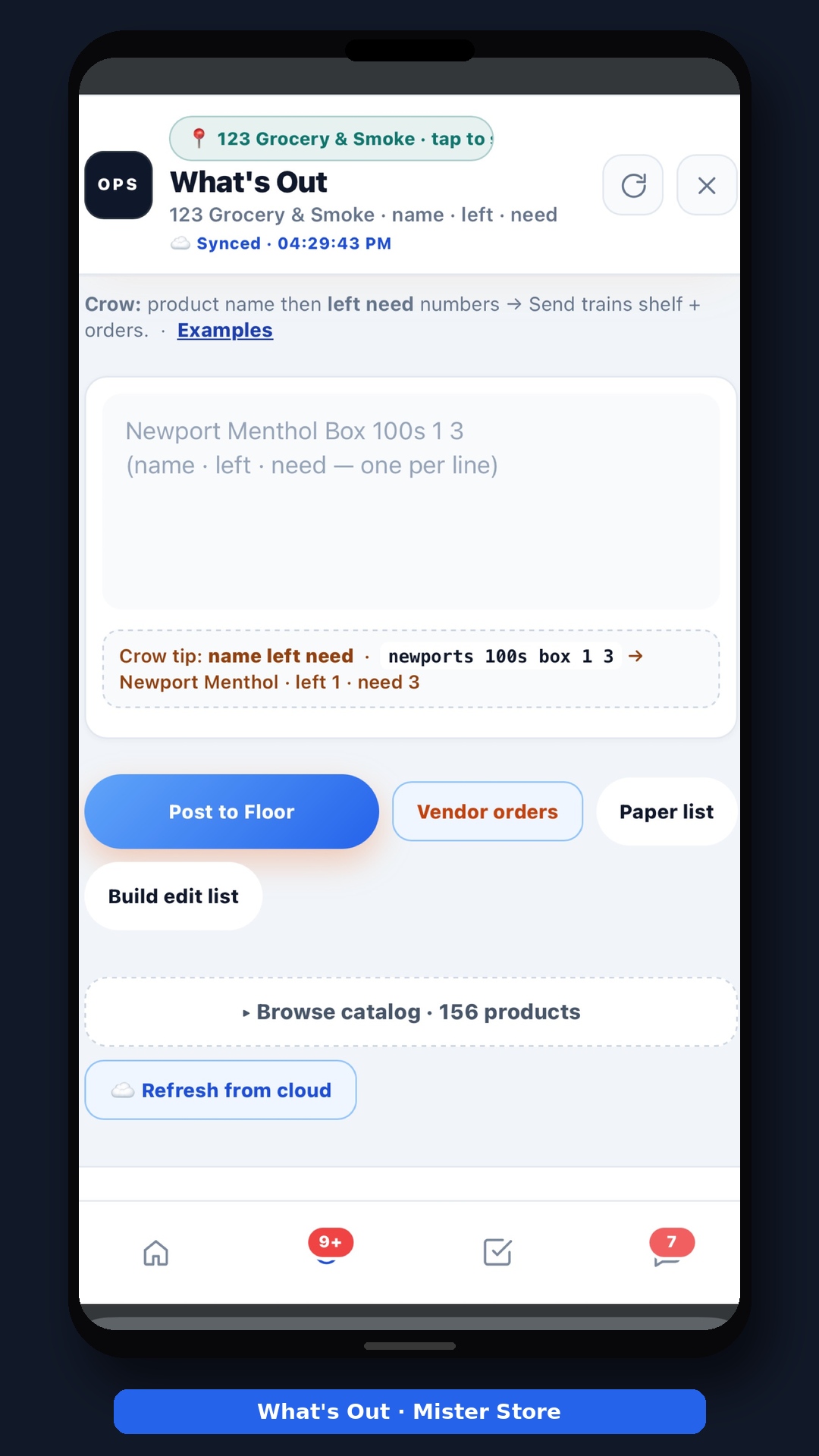
Idle minutes become Reels in the stockroom. The same phone can mark What’s Out in ten seconds: Floor → Out → item, left, need. The closer and the opener see the same card.
Step 04
You send the list
Catalog + What’s Out is the order. Hand them the phone. They type that — not “the usual” that grew last month. Order by vendor is ready before the driver parks.
Step 05
Receive on the dock
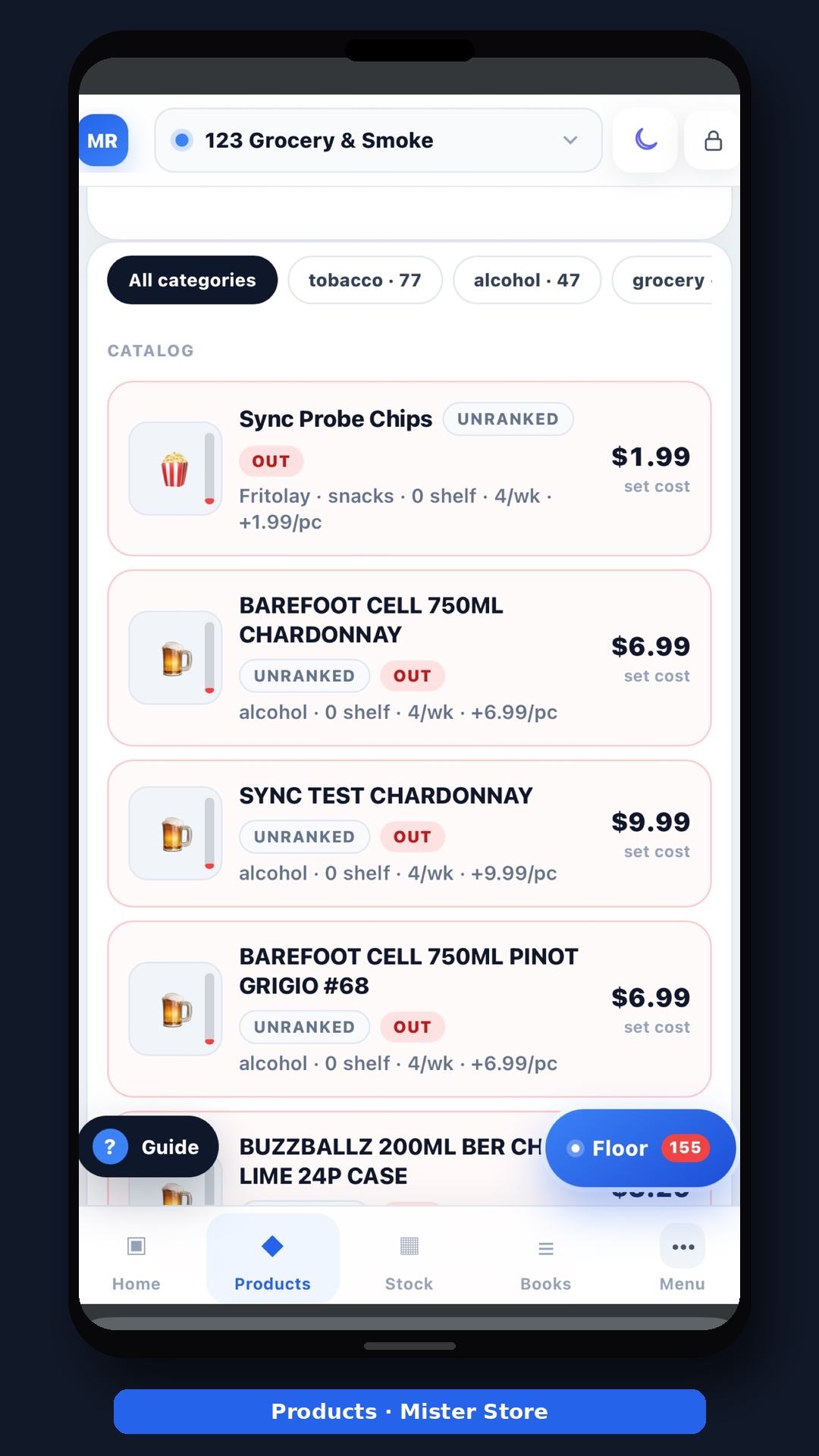
Scan the bill. Match the list. The padded line has to survive the dock, not next month’s pile. Then vendor margin tells you who actually paid you.
Step 06
Do this tonight
Open What’s Out. Mark three holes. Tomorrow the rep fills your list. Start free if you do not have the board yet — no card. Read the full story on What’s Out.
Do it on the phone tonight. Books, Floor, kitchen, free site — start free. No card.
Open MR.STOREDaily sheets, crossed-out closes, buried bills, a $500 you cannot find, wholesale with no list, two stores still lost. One phone. MR.STORE.
BooksNight close on a phone, not a back-office PCZ, cash, card, lottery, drawer — one close you can finish standing at the register.